Identity insights

Browse 1Kosmos product demos, datasheets, and research from industry experts.

Workforce Identity by 1Kosmos

Updated on

What's inside

Most enterprise identity programs verify workers at onboarding and stop there. Shared workstations stay unprotected. Account recovery gets exploited. Credentials get shared, reset, and phished across the workforce every day.

This datasheet covers how 1Kosmos gives every worker a verified digital identity from day one:


  • Biometric identity proofing that binds a verified government ID to a real person at enrollment

  • Passwordless MFA across 19 authentication form factors, including facial biometrics and hardware security key options for device-restricted environments

  • LiveID account recovery that eliminates help desk exploits by verifying the person, not just the credential

  • Shared workstation and offline access for frontline workers without phones using 1Key fingerprint authentication

  • AI agent identity (Know Your Agent) that issues verifiable credentials to agents and keeps a verified human accountable for every action

Authenticating a device is not the same as verifying a person

Most passwordless solutions solve the wrong problem. They replace the password with a credential tied to a device, but the person behind it remains unverified.

1Kosmos binds biometric authentication to a verified identity so every login ties back to a real person.

Workers enroll once against a government-issued ID, and that identity is matched biometrically at every subsequent login, account recovery event, and shared device access point. No passwords to steal, no credentials to share, and no help desk call required.

The gaps most identity programs leave open

  • Credential sharing on shared workstations

  • Social engineering at the help desk

  • New hires who take days to onboard

  • Frontline workers who can't use phones or cameras.

These are not edge cases; they’re the default for most enterprise environments.

1Kosmos closes each gap without requiring a rip-and-replace of existing IAM infrastructure. Onboarding completes in under 30 minutes, LiveID eliminates the service desk as a breach point, and 1Key delivers phishing-resistant authentication on a keyboard and a fingerprint, nothing else required.

The verified identity every worker needs from day one

Download the datasheet for full technical details, deployment options, and the Concentrix case study: 450,000 users, 80+ countries, and 6 months to full production deployment.

Datasheet

Passwordless Login for Retail

Updated on

What’s inside

Shared POS terminals, high associate turnover, and no practical way to deploy phones on the floor have made strong authentication nearly impossible in retail. Most stores are still running on shared credentials, which means no individual accountability, no clean audit trail, and nothing reliable to investigate when a breach or inventory loss occurs.

This datasheet shows how retail organizations can replace shared logins with biometric authentication without requiring associate mobile phones, while building a clear and auditable record of every access event across the store.


  • A proven method to eliminate shared retail logins via face biometrics

  • The strategy to protect store systems without associate mobile phones

  • A framework to build crystal-clear audit trails of all staff activity

  • The steps to seamlessly integrate offline biometric logins at the POS

Shared credentials are a problem every shift

When associates share logins across a shared terminal, there is no way to know who took an action, authorized a return, or was logged in when something went wrong. This is a structural gap, and it still retail authentication environments today.

1Kosmos gives every associate their own verified identity, so every terminal finally has a person-level record.

Associates enroll once and log in with their face from any shared device in the store. From that point forward, every action on every terminal is tied to a specific person, which means shrink investigations have a starting point, audit trails hold up, and IT stops inheriting the credential mess that high turnover creates.

When someone leaves, their access goes with them, and when seasonal staff come on, they get exactly what they need for the duration of their assignment without a personal device entering the picture.

Authentication that works as fast as your associates do

Download the datasheet for deployment details, integration options, and a closer look at how 1Kosmos fits into the retail environments and infrastructure your stores already run on.

Datasheet

Digital identity: Higher education

Updated on

What’s inside

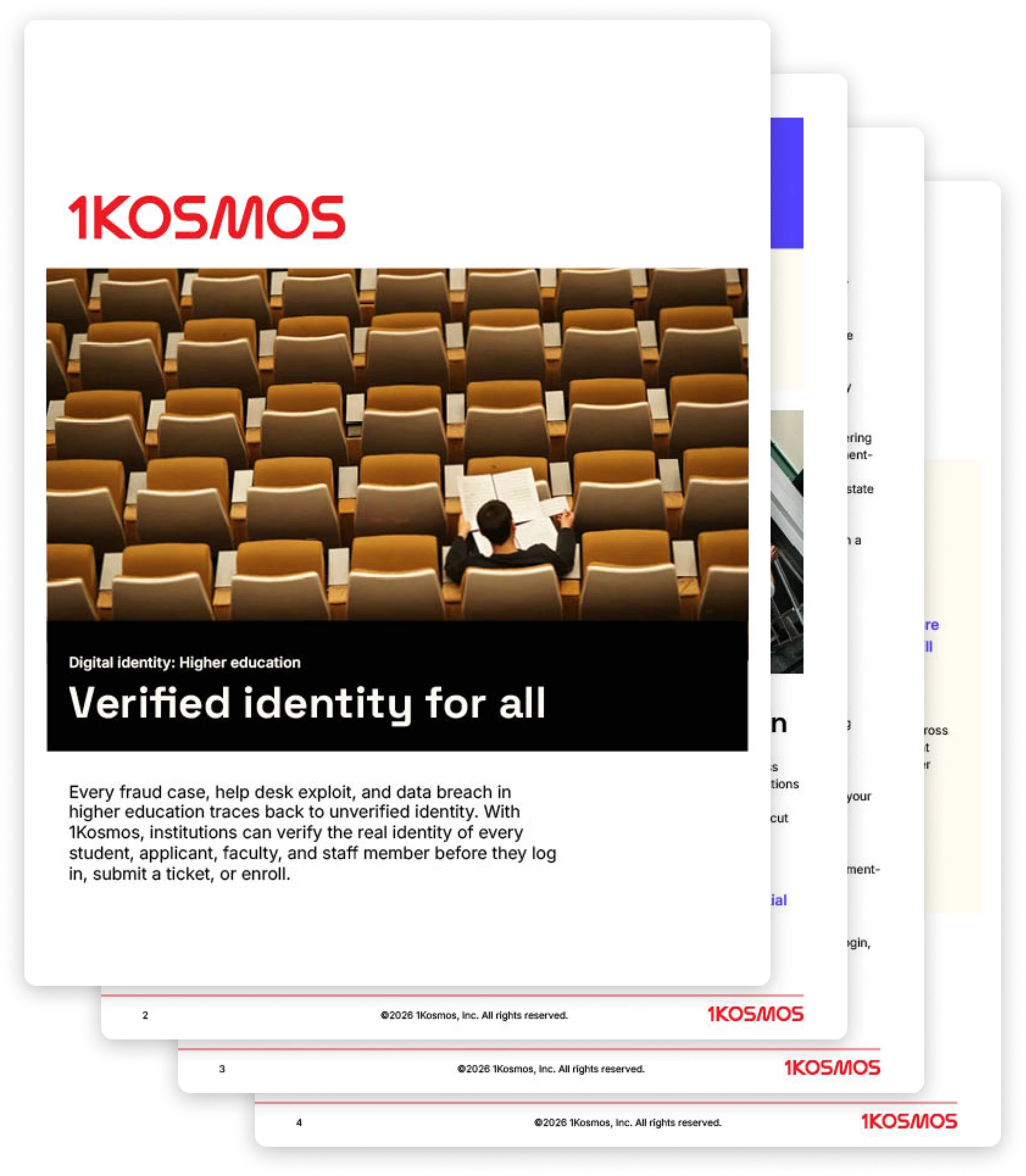
Higher education institutions are running some of the most complex identity environments in any sector, serving students, applicants, faculty, and staff across dozens of systems simultaneously, with no reliable way to confirm that the person on the other end of any interaction is who they claim to be.

This datasheet maps the identity gaps most common in higher education environments and shows how biometric verification closes them, from enrollment fraud and help desk risk to faculty access:


  • A breakdown of how biometric identity proofing stops ghost student fraud.

  • The framework to secure remote caller verification at campus help desks.

  • The steps to deploy phishing-resistant, passwordless access for faculty.

  • An overview of the compliance mandates satisfied by the 1Kosmos platform.

Institutions are still trying to verify identity with information

The credentials higher education environments depend on, knowledge-based questions, scanned documents, and unverified phone calls, were designed for a different era. Attackers know that. Fraudulent enrollments, help desk exploits, and credential-based breaches share a common root: the person was never actually verified.

1Kosmos changes that by tying every access point, every account event, and every enrollment back to a verified, government-grade identity.

Students and staff enroll once against a government-issued ID, and that verified identity follows them into every login, account recovery event, and call to the help desk. With every interaction traced back to a verified identity, fraudulent applicants don’t make it past the application, social engineers have no gap to exploit at the help desk, and shared credentials stop being a viable attack path entirely.

The verified identity every student, applicant, faculty, and staff member deserves

Download the datasheet for use cases, compliance details, integration options, and the platform outcomes institutions see within their first six months of deployment.

Datasheet

1Key by 1Kosmos

Updated on

What’s inside

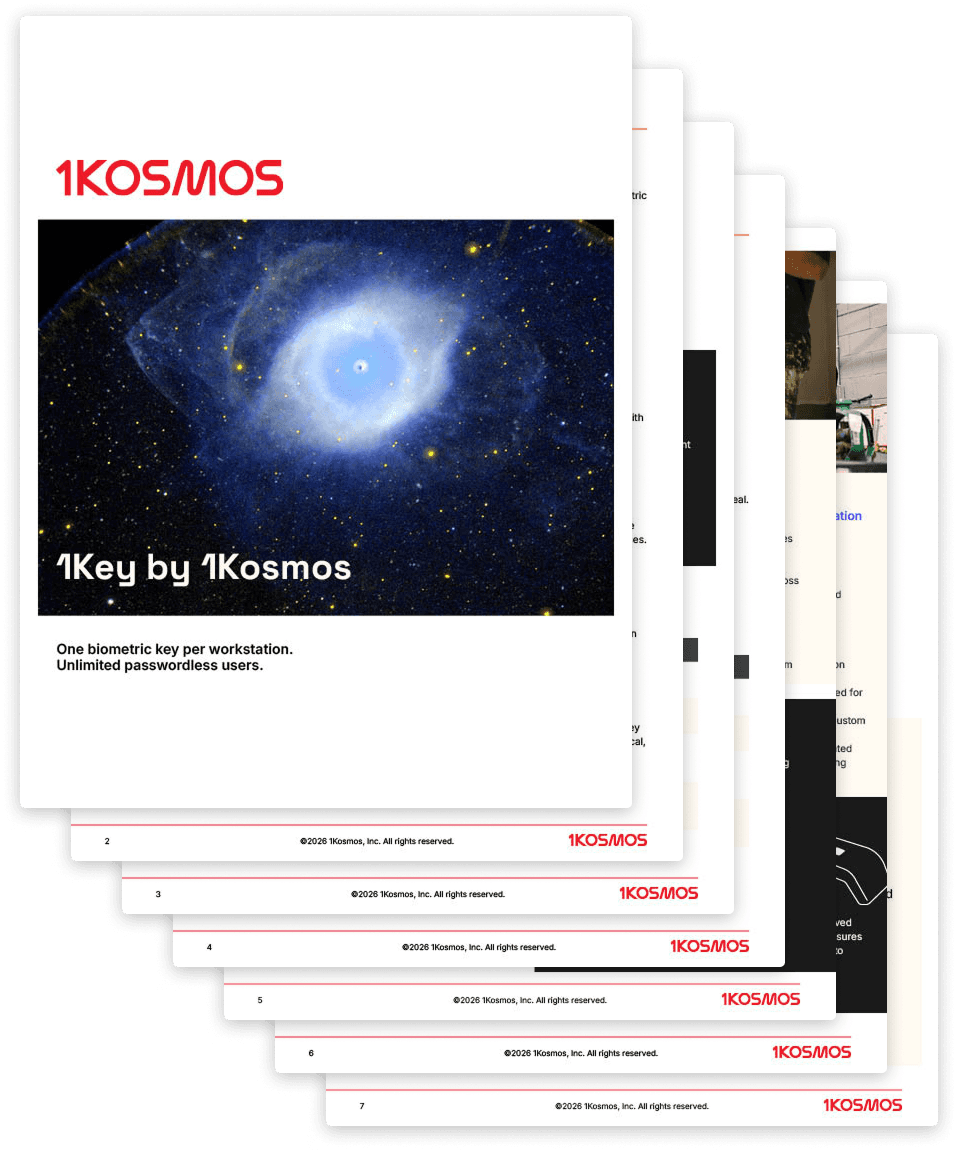
1Key by 1Kosmos helps organizations eliminate passwords in environments where mobile devices are prohibited. Using a single biometric key anchored at the workstation, it authenticates unlimited users with phishing-resistant fingerprint security, requiring no individual token provisioning and no per-user hardware management.

This datasheet covers the full 1Key capability set:

  • Password-based authentication breaks down without mobile devices

  • One key per workstation, unlimited users, no per-user tokens

  • On-device AES-256 encryption and FIDO2-certified authentication

  • Industry use cases: BPO, manufacturing, healthcare, and retail

  • Technical specs, IAM integrations, and a four-week go-live path

Traditional FIDO keys follow the user

But in phone-restricted environments, including call centers, factory floors, and shared workstations, that model breaks down. Issuing one key per user means buying, tracking, and replacing hardware at scale. Lost keys also create lockouts, and shared keys undermine the security model entirely.

For organizations with high employee turnover, the operational overhead compounds quickly.

1 key, unlimited users

A single 1Key lives at each protected workstation. Employees register their fingerprint once during onboarding and authenticate passwordlessly on any 1Key-equipped desktop in the environment, with no separate registration required for Windows login, applications, or services.

AES-256 encryption processes fingerprint data entirely on-device. Only cryptographic hashes are stored; biometric templates are never transmitted, and there is no central biometric database.

Proven at scale

At a global BPO provider, 1Key supports passwordless authentication for 450,000 contact center agents across 80 countries. Working production capability took 20 days, and full production deployment completed in six months.

The platform now processes over 10 million authentications weekly across more than 5,000 applications.

What the datasheet covers in full

Full technical specifications, deployment architecture, integration compatibility across IAM, SIEM, and ITSM platforms, and industry-specific use cases are inside.

Download the datasheet to see how 1Key fits your environment.

Datasheet

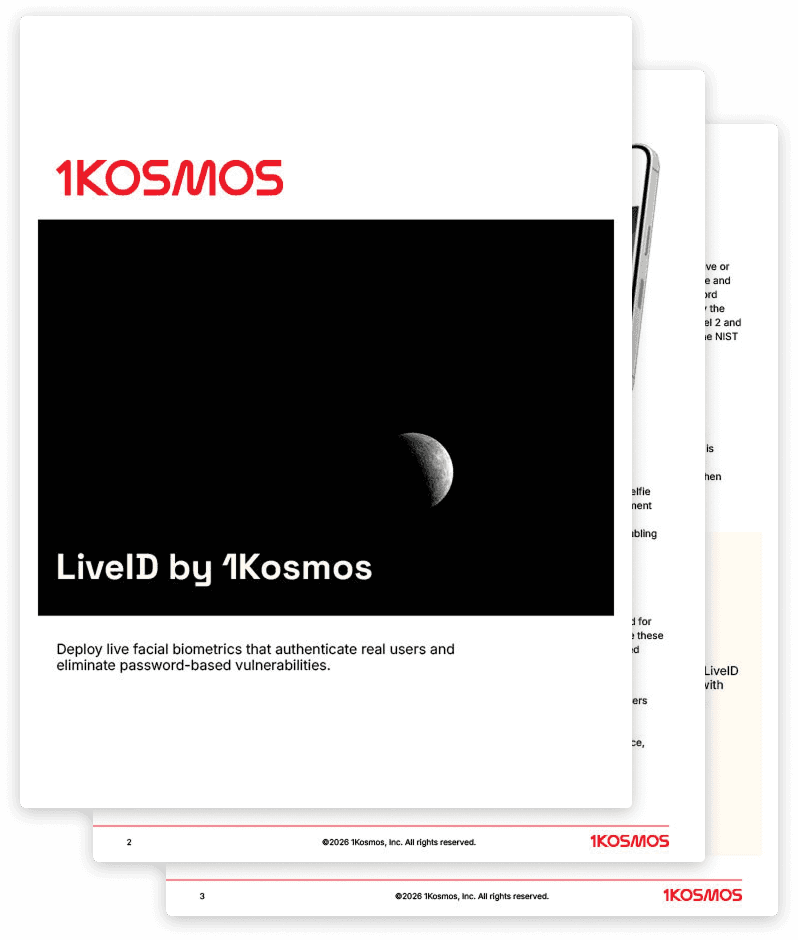
LiveID by 1Kosmos

Updated on

What’s inside

LiveID by 1Kosmos helps organizations replace passwords with fast, high-assurance facial biometric authentication. Using liveness verification and biometric matching, it confirms real users at key moments like onboarding, account recovery, and step-up access while scaling easily through enterprise integrations and standards-aligned compliance.

This datasheet covers the full LiveID capability set:


  • Eliminates password risk with facial biometrics that verify it’s a real, live person

  • Stops spoofing and fraud attempts with built-in liveness checks designed for real-world attacks

  • Turns high-friction moments (onboarding, recovery, step-up access) into fast, secure user experiences

  • Brings strong identity assurance to any environment, from mobile to desktop to remote workforces

  • Rolls out enterprise-wide with flexible integrations: out-of-the-box connectors, open APIs, and SDKs

  • Meets security and compliance demands with standards-aligned certifications and proven enterprise readiness

Credentials verify what you have. LiveID verifies who you are.

Most authentication methods confirm what a user knows or carries. LiveID confirms the person is physically present and alive in front of the device.

That distinction matters most at the moments of highest risk: first-time onboarding, account recovery after a credential incident, and step-up access to sensitive systems. Each of those moments is where impersonation attempts concentrate, and where a credential check alone is insufficient.

LiveID uses true-depth camera functionality on supported mobile devices to eliminate photo and video spoofing at the hardware level. Kantara certification to NIST IAL2, compliance with IAL3, and ISO 30107-3 tested liveness detection means that assurance level is independently verified, not self-reported.

What the datasheet covers in full

Full technical specifications, integration architecture, supported use cases, and compliance certification details are inside.

Download the datasheet to see how LiveID fits your environment.

Datasheet

Typing biometrics

Updated on

What's inside

Secure work environments ban phones, cameras, and hardware tokens, forcing workers to rely on static passwords that get shared and reset constantly.

This guide covers how typing biometrics by 1Kosmos delivers passwordless authentication with only a keyboard:


  • AI-powered typing biometrics that authenticate users by typing rhythm, pressure, and cadence

  • Deployment on standard shared Windows workstations with zero additional hardware required

  • Enrollment and login workflows pairing typing patterns with PIN-based second-factor verification

  • Spoofing protection detecting unauthorized typing attempts and blocking login automatically

  • Use cases across BPO call centers, financial operations, and government classified facilities

When every other option is off the table

Secure environments like contact centers, financial operations floors, and government facilities ban phones, cameras, and hardware tokens entirely. When those options are gone, the only thing left is a keyboard.

Typing biometrics turn how you type into the credential.

When deploying physical security keys at scale is cost prohibitive, behavioral authentication provides a secure alternative. It protects the operating system using the standard equipment you already have.

Why falling back on passwords is a risk

When a keyboard is the only tool allowed, organizations usually default to long, complex passwords. But in fast-paced, shared-workstation environments, those passwords inevitably get shared, observed, or written down.

A password only authenticates what you know. Typing biometrics authenticate who you are. Even if someone learns your phrase, they can't replicate your typing pattern because the credential is tied to the person, not the text. With 1Kosmos, raw biometric data is never stored and is instead hashed locally on the device.

The last mile to passwordless

For secure environments that have ruled out every other option, this is the most reliable option. Download the guide for full technical details.

Datasheet

Workforce Identity by 1Kosmos

Updated on

What's inside

Most enterprise identity programs verify workers at onboarding and stop there. Shared workstations stay unprotected. Account recovery gets exploited. Credentials get shared, reset, and phished across the workforce every day.

This datasheet covers how 1Kosmos gives every worker a verified digital identity from day one:


  • Biometric identity proofing that binds a verified government ID to a real person at enrollment

  • Passwordless MFA across 19 authentication form factors, including facial biometrics and hardware security key options for device-restricted environments

  • LiveID account recovery that eliminates help desk exploits by verifying the person, not just the credential

  • Shared workstation and offline access for frontline workers without phones using 1Key fingerprint authentication

  • AI agent identity (Know Your Agent) that issues verifiable credentials to agents and keeps a verified human accountable for every action

Authenticating a device is not the same as verifying a person

Most passwordless solutions solve the wrong problem. They replace the password with a credential tied to a device, but the person behind it remains unverified.

1Kosmos binds biometric authentication to a verified identity so every login ties back to a real person.

Workers enroll once against a government-issued ID, and that identity is matched biometrically at every subsequent login, account recovery event, and shared device access point. No passwords to steal, no credentials to share, and no help desk call required.

The gaps most identity programs leave open

  • Credential sharing on shared workstations

  • Social engineering at the help desk

  • New hires who take days to onboard

  • Frontline workers who can't use phones or cameras.

These are not edge cases; they’re the default for most enterprise environments.

1Kosmos closes each gap without requiring a rip-and-replace of existing IAM infrastructure. Onboarding completes in under 30 minutes, LiveID eliminates the service desk as a breach point, and 1Key delivers phishing-resistant authentication on a keyboard and a fingerprint, nothing else required.

The verified identity every worker needs from day one

Download the datasheet for full technical details, deployment options, and the Concentrix case study: 450,000 users, 80+ countries, and 6 months to full production deployment.

Datasheet

Passwordless Login for Retail

Updated on

What’s inside

Shared POS terminals, high associate turnover, and no practical way to deploy phones on the floor have made strong authentication nearly impossible in retail. Most stores are still running on shared credentials, which means no individual accountability, no clean audit trail, and nothing reliable to investigate when a breach or inventory loss occurs.

This datasheet shows how retail organizations can replace shared logins with biometric authentication without requiring associate mobile phones, while building a clear and auditable record of every access event across the store.


  • A proven method to eliminate shared retail logins via face biometrics

  • The strategy to protect store systems without associate mobile phones

  • A framework to build crystal-clear audit trails of all staff activity

  • The steps to seamlessly integrate offline biometric logins at the POS

Shared credentials are a problem every shift

When associates share logins across a shared terminal, there is no way to know who took an action, authorized a return, or was logged in when something went wrong. This is a structural gap, and it still retail authentication environments today.

1Kosmos gives every associate their own verified identity, so every terminal finally has a person-level record.

Associates enroll once and log in with their face from any shared device in the store. From that point forward, every action on every terminal is tied to a specific person, which means shrink investigations have a starting point, audit trails hold up, and IT stops inheriting the credential mess that high turnover creates.

When someone leaves, their access goes with them, and when seasonal staff come on, they get exactly what they need for the duration of their assignment without a personal device entering the picture.

Authentication that works as fast as your associates do

Download the datasheet for deployment details, integration options, and a closer look at how 1Kosmos fits into the retail environments and infrastructure your stores already run on.

Datasheet

Digital identity: Higher education

Updated on

What’s inside

Higher education institutions are running some of the most complex identity environments in any sector, serving students, applicants, faculty, and staff across dozens of systems simultaneously, with no reliable way to confirm that the person on the other end of any interaction is who they claim to be.

This datasheet maps the identity gaps most common in higher education environments and shows how biometric verification closes them, from enrollment fraud and help desk risk to faculty access:


  • A breakdown of how biometric identity proofing stops ghost student fraud.

  • The framework to secure remote caller verification at campus help desks.

  • The steps to deploy phishing-resistant, passwordless access for faculty.

  • An overview of the compliance mandates satisfied by the 1Kosmos platform.

Institutions are still trying to verify identity with information

The credentials higher education environments depend on, knowledge-based questions, scanned documents, and unverified phone calls, were designed for a different era. Attackers know that. Fraudulent enrollments, help desk exploits, and credential-based breaches share a common root: the person was never actually verified.

1Kosmos changes that by tying every access point, every account event, and every enrollment back to a verified, government-grade identity.

Students and staff enroll once against a government-issued ID, and that verified identity follows them into every login, account recovery event, and call to the help desk. With every interaction traced back to a verified identity, fraudulent applicants don’t make it past the application, social engineers have no gap to exploit at the help desk, and shared credentials stop being a viable attack path entirely.

The verified identity every student, applicant, faculty, and staff member deserves

Download the datasheet for use cases, compliance details, integration options, and the platform outcomes institutions see within their first six months of deployment.

Datasheet

1Key by 1Kosmos

Updated on

What’s inside

1Key by 1Kosmos helps organizations eliminate passwords in environments where mobile devices are prohibited. Using a single biometric key anchored at the workstation, it authenticates unlimited users with phishing-resistant fingerprint security, requiring no individual token provisioning and no per-user hardware management.

This datasheet covers the full 1Key capability set:

  • Password-based authentication breaks down without mobile devices

  • One key per workstation, unlimited users, no per-user tokens

  • On-device AES-256 encryption and FIDO2-certified authentication

  • Industry use cases: BPO, manufacturing, healthcare, and retail

  • Technical specs, IAM integrations, and a four-week go-live path

Traditional FIDO keys follow the user

But in phone-restricted environments, including call centers, factory floors, and shared workstations, that model breaks down. Issuing one key per user means buying, tracking, and replacing hardware at scale. Lost keys also create lockouts, and shared keys undermine the security model entirely.

For organizations with high employee turnover, the operational overhead compounds quickly.

1 key, unlimited users

A single 1Key lives at each protected workstation. Employees register their fingerprint once during onboarding and authenticate passwordlessly on any 1Key-equipped desktop in the environment, with no separate registration required for Windows login, applications, or services.

AES-256 encryption processes fingerprint data entirely on-device. Only cryptographic hashes are stored; biometric templates are never transmitted, and there is no central biometric database.

Proven at scale

At a global BPO provider, 1Key supports passwordless authentication for 450,000 contact center agents across 80 countries. Working production capability took 20 days, and full production deployment completed in six months.

The platform now processes over 10 million authentications weekly across more than 5,000 applications.

What the datasheet covers in full

Full technical specifications, deployment architecture, integration compatibility across IAM, SIEM, and ITSM platforms, and industry-specific use cases are inside.

Download the datasheet to see how 1Key fits your environment.

Datasheet

LiveID by 1Kosmos

Updated on

What’s inside

LiveID by 1Kosmos helps organizations replace passwords with fast, high-assurance facial biometric authentication. Using liveness verification and biometric matching, it confirms real users at key moments like onboarding, account recovery, and step-up access while scaling easily through enterprise integrations and standards-aligned compliance.

This datasheet covers the full LiveID capability set:


  • Eliminates password risk with facial biometrics that verify it’s a real, live person

  • Stops spoofing and fraud attempts with built-in liveness checks designed for real-world attacks

  • Turns high-friction moments (onboarding, recovery, step-up access) into fast, secure user experiences

  • Brings strong identity assurance to any environment, from mobile to desktop to remote workforces

  • Rolls out enterprise-wide with flexible integrations: out-of-the-box connectors, open APIs, and SDKs

  • Meets security and compliance demands with standards-aligned certifications and proven enterprise readiness

Credentials verify what you have. LiveID verifies who you are.

Most authentication methods confirm what a user knows or carries. LiveID confirms the person is physically present and alive in front of the device.

That distinction matters most at the moments of highest risk: first-time onboarding, account recovery after a credential incident, and step-up access to sensitive systems. Each of those moments is where impersonation attempts concentrate, and where a credential check alone is insufficient.

LiveID uses true-depth camera functionality on supported mobile devices to eliminate photo and video spoofing at the hardware level. Kantara certification to NIST IAL2, compliance with IAL3, and ISO 30107-3 tested liveness detection means that assurance level is independently verified, not self-reported.

What the datasheet covers in full

Full technical specifications, integration architecture, supported use cases, and compliance certification details are inside.

Download the datasheet to see how LiveID fits your environment.

Datasheet

Typing biometrics

Updated on

What's inside

Secure work environments ban phones, cameras, and hardware tokens, forcing workers to rely on static passwords that get shared and reset constantly.

This guide covers how typing biometrics by 1Kosmos delivers passwordless authentication with only a keyboard:


  • AI-powered typing biometrics that authenticate users by typing rhythm, pressure, and cadence

  • Deployment on standard shared Windows workstations with zero additional hardware required

  • Enrollment and login workflows pairing typing patterns with PIN-based second-factor verification

  • Spoofing protection detecting unauthorized typing attempts and blocking login automatically

  • Use cases across BPO call centers, financial operations, and government classified facilities

When every other option is off the table

Secure environments like contact centers, financial operations floors, and government facilities ban phones, cameras, and hardware tokens entirely. When those options are gone, the only thing left is a keyboard.

Typing biometrics turn how you type into the credential.

When deploying physical security keys at scale is cost prohibitive, behavioral authentication provides a secure alternative. It protects the operating system using the standard equipment you already have.

Why falling back on passwords is a risk

When a keyboard is the only tool allowed, organizations usually default to long, complex passwords. But in fast-paced, shared-workstation environments, those passwords inevitably get shared, observed, or written down.

A password only authenticates what you know. Typing biometrics authenticate who you are. Even if someone learns your phrase, they can't replicate your typing pattern because the credential is tied to the person, not the text. With 1Kosmos, raw biometric data is never stored and is instead hashed locally on the device.

The last mile to passwordless

For secure environments that have ruled out every other option, this is the most reliable option. Download the guide for full technical details.

Datasheet

Workforce Identity by 1Kosmos

Updated on

What's inside

Most enterprise identity programs verify workers at onboarding and stop there. Shared workstations stay unprotected. Account recovery gets exploited. Credentials get shared, reset, and phished across the workforce every day.

This datasheet covers how 1Kosmos gives every worker a verified digital identity from day one:


  • Biometric identity proofing that binds a verified government ID to a real person at enrollment

  • Passwordless MFA across 19 authentication form factors, including facial biometrics and hardware security key options for device-restricted environments

  • LiveID account recovery that eliminates help desk exploits by verifying the person, not just the credential

  • Shared workstation and offline access for frontline workers without phones using 1Key fingerprint authentication

  • AI agent identity (Know Your Agent) that issues verifiable credentials to agents and keeps a verified human accountable for every action

Authenticating a device is not the same as verifying a person

Most passwordless solutions solve the wrong problem. They replace the password with a credential tied to a device, but the person behind it remains unverified.

1Kosmos binds biometric authentication to a verified identity so every login ties back to a real person.

Workers enroll once against a government-issued ID, and that identity is matched biometrically at every subsequent login, account recovery event, and shared device access point. No passwords to steal, no credentials to share, and no help desk call required.

The gaps most identity programs leave open

  • Credential sharing on shared workstations

  • Social engineering at the help desk

  • New hires who take days to onboard

  • Frontline workers who can't use phones or cameras.

These are not edge cases; they’re the default for most enterprise environments.

1Kosmos closes each gap without requiring a rip-and-replace of existing IAM infrastructure. Onboarding completes in under 30 minutes, LiveID eliminates the service desk as a breach point, and 1Key delivers phishing-resistant authentication on a keyboard and a fingerprint, nothing else required.

The verified identity every worker needs from day one

Download the datasheet for full technical details, deployment options, and the Concentrix case study: 450,000 users, 80+ countries, and 6 months to full production deployment.

Datasheet

Passwordless Login for Retail

Updated on

What’s inside

Shared POS terminals, high associate turnover, and no practical way to deploy phones on the floor have made strong authentication nearly impossible in retail. Most stores are still running on shared credentials, which means no individual accountability, no clean audit trail, and nothing reliable to investigate when a breach or inventory loss occurs.

This datasheet shows how retail organizations can replace shared logins with biometric authentication without requiring associate mobile phones, while building a clear and auditable record of every access event across the store.


  • A proven method to eliminate shared retail logins via face biometrics

  • The strategy to protect store systems without associate mobile phones

  • A framework to build crystal-clear audit trails of all staff activity

  • The steps to seamlessly integrate offline biometric logins at the POS

Shared credentials are a problem every shift

When associates share logins across a shared terminal, there is no way to know who took an action, authorized a return, or was logged in when something went wrong. This is a structural gap, and it still retail authentication environments today.

1Kosmos gives every associate their own verified identity, so every terminal finally has a person-level record.

Associates enroll once and log in with their face from any shared device in the store. From that point forward, every action on every terminal is tied to a specific person, which means shrink investigations have a starting point, audit trails hold up, and IT stops inheriting the credential mess that high turnover creates.

When someone leaves, their access goes with them, and when seasonal staff come on, they get exactly what they need for the duration of their assignment without a personal device entering the picture.

Authentication that works as fast as your associates do

Download the datasheet for deployment details, integration options, and a closer look at how 1Kosmos fits into the retail environments and infrastructure your stores already run on.

Datasheet

Digital identity: Higher education

Updated on

What’s inside

Higher education institutions are running some of the most complex identity environments in any sector, serving students, applicants, faculty, and staff across dozens of systems simultaneously, with no reliable way to confirm that the person on the other end of any interaction is who they claim to be.

This datasheet maps the identity gaps most common in higher education environments and shows how biometric verification closes them, from enrollment fraud and help desk risk to faculty access:


  • A breakdown of how biometric identity proofing stops ghost student fraud.

  • The framework to secure remote caller verification at campus help desks.

  • The steps to deploy phishing-resistant, passwordless access for faculty.

  • An overview of the compliance mandates satisfied by the 1Kosmos platform.

Institutions are still trying to verify identity with information

The credentials higher education environments depend on, knowledge-based questions, scanned documents, and unverified phone calls, were designed for a different era. Attackers know that. Fraudulent enrollments, help desk exploits, and credential-based breaches share a common root: the person was never actually verified.

1Kosmos changes that by tying every access point, every account event, and every enrollment back to a verified, government-grade identity.

Students and staff enroll once against a government-issued ID, and that verified identity follows them into every login, account recovery event, and call to the help desk. With every interaction traced back to a verified identity, fraudulent applicants don’t make it past the application, social engineers have no gap to exploit at the help desk, and shared credentials stop being a viable attack path entirely.

The verified identity every student, applicant, faculty, and staff member deserves

Download the datasheet for use cases, compliance details, integration options, and the platform outcomes institutions see within their first six months of deployment.

Datasheet

1Key by 1Kosmos

Updated on

What’s inside

1Key by 1Kosmos helps organizations eliminate passwords in environments where mobile devices are prohibited. Using a single biometric key anchored at the workstation, it authenticates unlimited users with phishing-resistant fingerprint security, requiring no individual token provisioning and no per-user hardware management.

This datasheet covers the full 1Key capability set:

  • Password-based authentication breaks down without mobile devices

  • One key per workstation, unlimited users, no per-user tokens

  • On-device AES-256 encryption and FIDO2-certified authentication

  • Industry use cases: BPO, manufacturing, healthcare, and retail

  • Technical specs, IAM integrations, and a four-week go-live path

Traditional FIDO keys follow the user

But in phone-restricted environments, including call centers, factory floors, and shared workstations, that model breaks down. Issuing one key per user means buying, tracking, and replacing hardware at scale. Lost keys also create lockouts, and shared keys undermine the security model entirely.

For organizations with high employee turnover, the operational overhead compounds quickly.

1 key, unlimited users

A single 1Key lives at each protected workstation. Employees register their fingerprint once during onboarding and authenticate passwordlessly on any 1Key-equipped desktop in the environment, with no separate registration required for Windows login, applications, or services.

AES-256 encryption processes fingerprint data entirely on-device. Only cryptographic hashes are stored; biometric templates are never transmitted, and there is no central biometric database.

Proven at scale

At a global BPO provider, 1Key supports passwordless authentication for 450,000 contact center agents across 80 countries. Working production capability took 20 days, and full production deployment completed in six months.

The platform now processes over 10 million authentications weekly across more than 5,000 applications.

What the datasheet covers in full

Full technical specifications, deployment architecture, integration compatibility across IAM, SIEM, and ITSM platforms, and industry-specific use cases are inside.

Download the datasheet to see how 1Key fits your environment.

Datasheet

LiveID by 1Kosmos

Updated on

What’s inside

LiveID by 1Kosmos helps organizations replace passwords with fast, high-assurance facial biometric authentication. Using liveness verification and biometric matching, it confirms real users at key moments like onboarding, account recovery, and step-up access while scaling easily through enterprise integrations and standards-aligned compliance.

This datasheet covers the full LiveID capability set:


  • Eliminates password risk with facial biometrics that verify it’s a real, live person

  • Stops spoofing and fraud attempts with built-in liveness checks designed for real-world attacks

  • Turns high-friction moments (onboarding, recovery, step-up access) into fast, secure user experiences

  • Brings strong identity assurance to any environment, from mobile to desktop to remote workforces

  • Rolls out enterprise-wide with flexible integrations: out-of-the-box connectors, open APIs, and SDKs

  • Meets security and compliance demands with standards-aligned certifications and proven enterprise readiness

Credentials verify what you have. LiveID verifies who you are.

Most authentication methods confirm what a user knows or carries. LiveID confirms the person is physically present and alive in front of the device.

That distinction matters most at the moments of highest risk: first-time onboarding, account recovery after a credential incident, and step-up access to sensitive systems. Each of those moments is where impersonation attempts concentrate, and where a credential check alone is insufficient.

LiveID uses true-depth camera functionality on supported mobile devices to eliminate photo and video spoofing at the hardware level. Kantara certification to NIST IAL2, compliance with IAL3, and ISO 30107-3 tested liveness detection means that assurance level is independently verified, not self-reported.

What the datasheet covers in full

Full technical specifications, integration architecture, supported use cases, and compliance certification details are inside.

Download the datasheet to see how LiveID fits your environment.

Datasheet

Typing biometrics

Updated on

What's inside

Secure work environments ban phones, cameras, and hardware tokens, forcing workers to rely on static passwords that get shared and reset constantly.

This guide covers how typing biometrics by 1Kosmos delivers passwordless authentication with only a keyboard:


  • AI-powered typing biometrics that authenticate users by typing rhythm, pressure, and cadence

  • Deployment on standard shared Windows workstations with zero additional hardware required

  • Enrollment and login workflows pairing typing patterns with PIN-based second-factor verification

  • Spoofing protection detecting unauthorized typing attempts and blocking login automatically

  • Use cases across BPO call centers, financial operations, and government classified facilities

When every other option is off the table

Secure environments like contact centers, financial operations floors, and government facilities ban phones, cameras, and hardware tokens entirely. When those options are gone, the only thing left is a keyboard.

Typing biometrics turn how you type into the credential.

When deploying physical security keys at scale is cost prohibitive, behavioral authentication provides a secure alternative. It protects the operating system using the standard equipment you already have.

Why falling back on passwords is a risk

When a keyboard is the only tool allowed, organizations usually default to long, complex passwords. But in fast-paced, shared-workstation environments, those passwords inevitably get shared, observed, or written down.

A password only authenticates what you know. Typing biometrics authenticate who you are. Even if someone learns your phrase, they can't replicate your typing pattern because the credential is tied to the person, not the text. With 1Kosmos, raw biometric data is never stored and is instead hashed locally on the device.

The last mile to passwordless

For secure environments that have ruled out every other option, this is the most reliable option. Download the guide for full technical details.

Datasheet

Transform how you verify and authenticate

Secure onboarding, eliminate passwords, and stop fraud on one platform. Schedule a demo and see it in action.

Transform how you verify and authenticate

Secure onboarding, eliminate passwords, and stop fraud on one platform. Schedule a demo and see it in action.

Transform how you verify and authenticate

Secure onboarding, eliminate passwords, and stop fraud on one platform. Schedule a demo and see it in action.