Identity insights

Browse 1Kosmos product demos, datasheets, and research from industry experts.

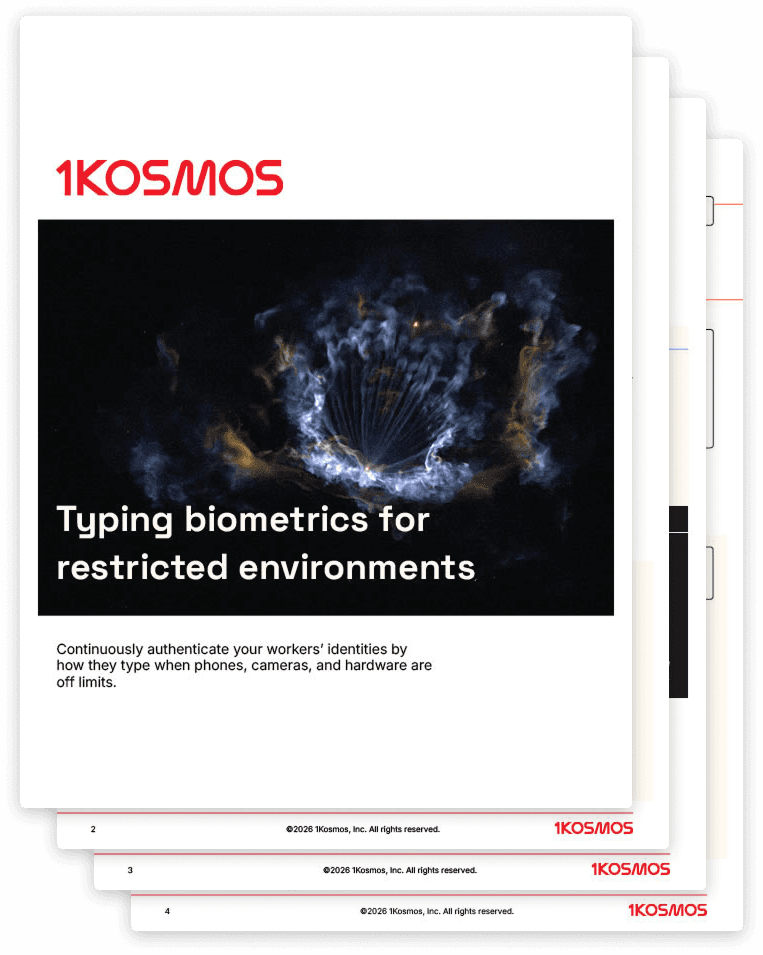
Typing biometrics

Updated on

What's inside

Secure work environments ban phones, cameras, and hardware tokens, forcing workers to rely on static passwords that get shared and reset constantly.

This guide covers how typing biometrics by 1Kosmos delivers passwordless authentication with only a keyboard:

  • AI-powered typing biometrics that authenticate users by typing rhythm, pressure, and cadence

  • Deployment on standard shared Windows workstations with zero additional hardware required

  • Enrollment and login workflows pairing typing patterns with PIN-based second-factor verification

  • Spoofing protection detecting unauthorized typing attempts and blocking login automatically

  • Use cases across BPO call centers, financial operations, and government classified facilities

When every other option is off the table

Secure environments like contact centers, financial operations floors, and government facilities ban phones, cameras, and hardware tokens entirely. When those options are gone, the only thing left is a keyboard.

Typing biometrics turn how you type into the credential.

Why falling back on passwords is a risk

When a keyboard is the only tool allowed, organizations usually default to long, complex passwords. But in fast-paced, shared-workstation environments, those passwords inevitably get shared, observed, or written down.

A password only authenticates what you know. Typing biometrics authenticate who you are. Even if someone learns your phrase, they can't replicate your typing pattern because the credential is tied to the person, not the text.

The last mile to passwordless

For environments that have ruled out every other option, this is what's left.

Download the guide to see how a global BPO deployed keyboard-only passwordless authentication with 1Kosmos across 450,000 contact center agents.
Datasheet

Typing biometrics

Updated on

What's inside

Secure work environments ban phones, cameras, and hardware tokens, forcing workers to rely on static passwords that get shared and reset constantly.

This guide covers how typing biometrics by 1Kosmos delivers passwordless authentication with only a keyboard:

  • AI-powered typing biometrics that authenticate users by typing rhythm, pressure, and cadence

  • Deployment on standard shared Windows workstations with zero additional hardware required

  • Enrollment and login workflows pairing typing patterns with PIN-based second-factor verification

  • Spoofing protection detecting unauthorized typing attempts and blocking login automatically

  • Use cases across BPO call centers, financial operations, and government classified facilities

When every other option is off the table

Secure environments like contact centers, financial operations floors, and government facilities ban phones, cameras, and hardware tokens entirely. When those options are gone, the only thing left is a keyboard.

Typing biometrics turn how you type into the credential.

Why falling back on passwords is a risk

When a keyboard is the only tool allowed, organizations usually default to long, complex passwords. But in fast-paced, shared-workstation environments, those passwords inevitably get shared, observed, or written down.

A password only authenticates what you know. Typing biometrics authenticate who you are. Even if someone learns your phrase, they can't replicate your typing pattern because the credential is tied to the person, not the text.

The last mile to passwordless

For environments that have ruled out every other option, this is what's left.

Download the guide to see how a global BPO deployed keyboard-only passwordless authentication with 1Kosmos across 450,000 contact center agents.
Datasheet

Typing biometrics

Updated on

What's inside

Secure work environments ban phones, cameras, and hardware tokens, forcing workers to rely on static passwords that get shared and reset constantly.

This guide covers how typing biometrics by 1Kosmos delivers passwordless authentication with only a keyboard:

  • AI-powered typing biometrics that authenticate users by typing rhythm, pressure, and cadence

  • Deployment on standard shared Windows workstations with zero additional hardware required

  • Enrollment and login workflows pairing typing patterns with PIN-based second-factor verification

  • Spoofing protection detecting unauthorized typing attempts and blocking login automatically

  • Use cases across BPO call centers, financial operations, and government classified facilities

When every other option is off the table

Secure environments like contact centers, financial operations floors, and government facilities ban phones, cameras, and hardware tokens entirely. When those options are gone, the only thing left is a keyboard.

Typing biometrics turn how you type into the credential.

Why falling back on passwords is a risk

When a keyboard is the only tool allowed, organizations usually default to long, complex passwords. But in fast-paced, shared-workstation environments, those passwords inevitably get shared, observed, or written down.

A password only authenticates what you know. Typing biometrics authenticate who you are. Even if someone learns your phrase, they can't replicate your typing pattern because the credential is tied to the person, not the text.

The last mile to passwordless

For environments that have ruled out every other option, this is what's left.

Download the guide to see how a global BPO deployed keyboard-only passwordless authentication with 1Kosmos across 450,000 contact center agents.
Datasheet

Transform how you verify and authenticate

Secure onboarding, eliminate passwords, and stop fraud on one platform. Schedule a demo and see it in action.

Transform how you verify and authenticate

Secure onboarding, eliminate passwords, and stop fraud on one platform. Schedule a demo and see it in action.

Transform how you verify and authenticate

Secure onboarding, eliminate passwords, and stop fraud on one platform. Schedule a demo and see it in action.